
Import Private Key
How to Import a Private Key into Hypurr Fun
Follow these steps to securely import your private key into the Hypurr Fun Bot:
- Use the /wallets command to open the Wallets menu.
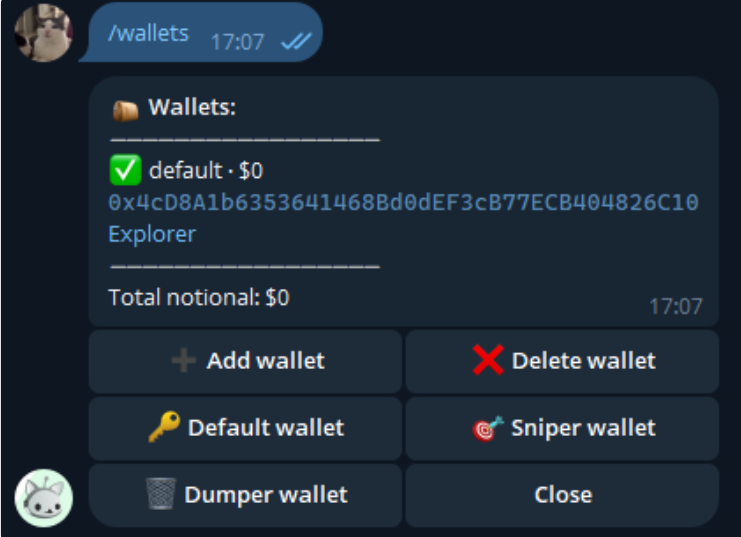
- Press "Add Wallet".
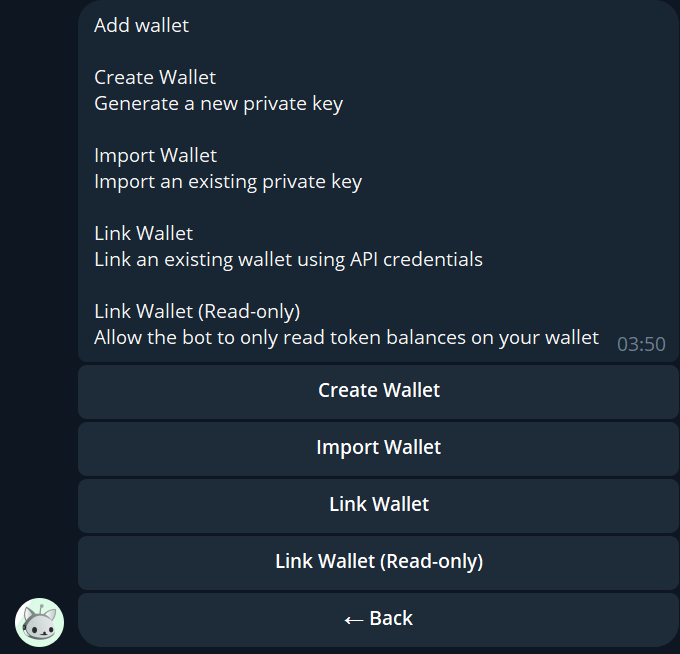
- Select "Import Wallet".
- Name your wallet (this name is for identification purposes and is different from your wallet's address).
- Enter your wallet's private key (ensure it starts with "0x").
🎉 Your wallet has been successfully imported and is now ready for use!